
In fine dining, every guest is a VIP. You can't focus on everyone at once Together We Can
Osoul gives each customer the tailor made experience they deserves, through our guest app for browsing and asking, a staff workspace for acting on the table, and manager tools for learning from every service.
How the apps connect
Every visit teaches the next one.
Follow one guest through five moments. At each stage, one app does the work and every other app sees the result.
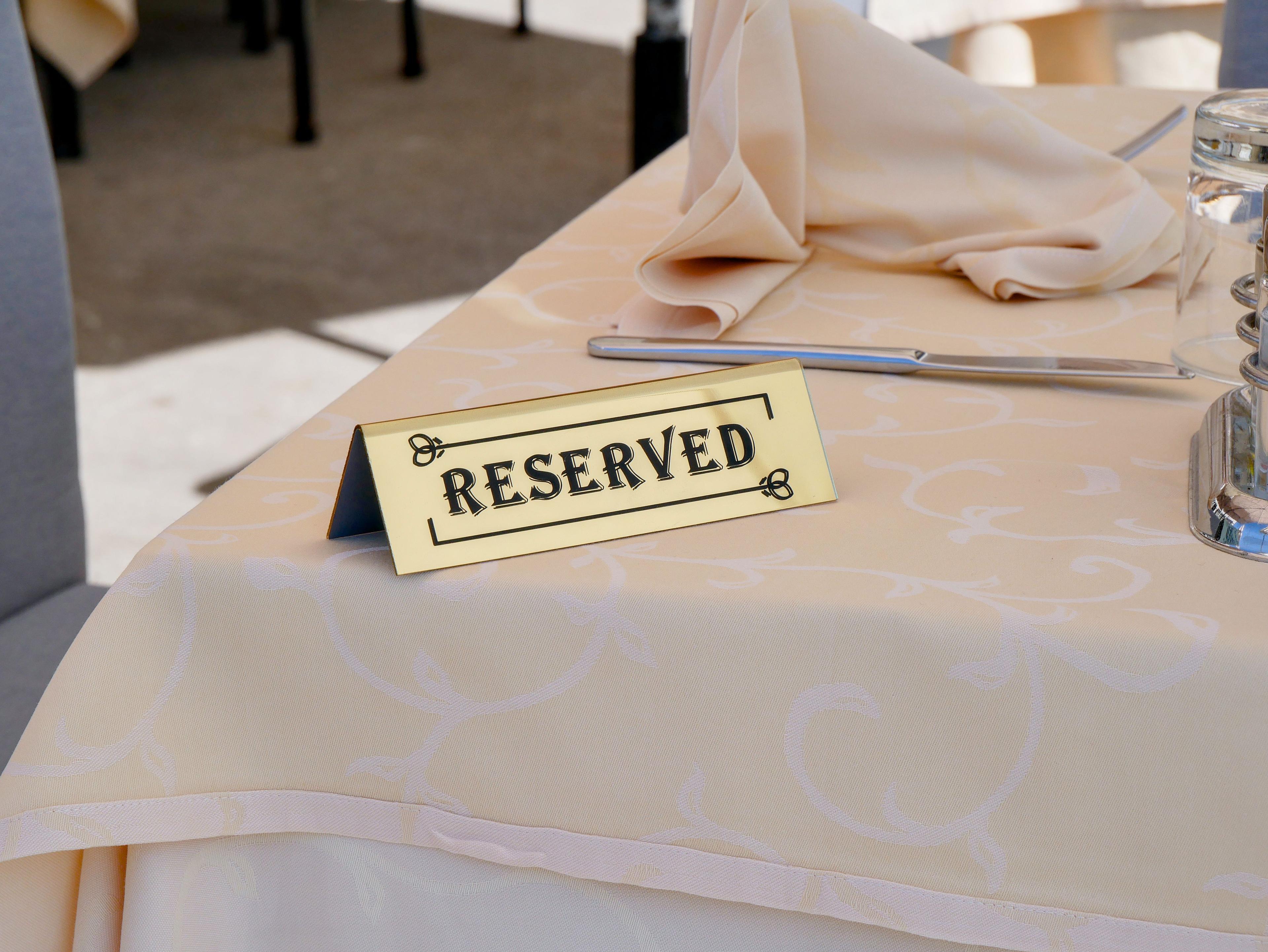
Guest journey stage · Stage 2 of 5
Booking
The guest books a table and shares the details that help the team prepare.
- The guest
- Chooses a time, party size, and occasion, and notes a preference or allergy.
- The team
- Hosts see the booking, the note, and any confirmation or cancellation.
- Osoul records
- Reservation status, stated preferences, and reminder responses.
Why it matters
A preference captured at booking is a preference the host does not have to ask about again at the door.
Number to watch
Confirmation rate 48 hours before service
Inside each app
Three apps, one shared record of the visit.
Choose an app to see who uses it, what it does during service, and how you measure it.
A direct way to browse, order, and ask.
Guests scan the table QR code and open the venue's menu in their browser. No download and no account are needed to start; returning guests are recognised when they choose to sign in.
- Who uses it
- Diners at the table, guests booking ahead, and hotel guests browsing from their room.
- Where it runs
- The guest's own phone, in any modern browser, through a QR code or a link.
What it does
Digital menu with photos and details
Dish descriptions, allergens, options, and availability, updated by the team in one place.
Menus in the guest's language
International guests read the menu in a supported language instead of asking for a translation.
Dish recommendations
Suggestions based on what the guest is browsing, so good dishes are discovered, not missed.
Ordering and bill requests
Guests order or request the bill from the table, and the request reaches the right server.
Report an issue
A concern goes straight to the team while the guest is still in the room, not into a review.
Feedback and rewards
After the meal, guests rate the visit and see the loyalty benefits they have earned.
In the venue

What you need to start
- Your menu with descriptions, prices, options, and allergens
- A QR code or link for each table
- The languages you want the menu to show
A moment in service
Table 12 wants the bill during the rush
- 1The guest taps Request bill on the phone.
- 2The request appears on the staff workspace for Table 12.
- 3The nearest server marks it in progress and brings the bill.
- 4The request closes and the response time is recorded.
What to measure
- Menu view-to-order rate
- Dishes ordered ÷ dishes viewed
- Request completion rate
- Requests closed ÷ requests sent
- Feedback response rate
- Visits with feedback ÷ attended visits
Welcome back
Table 12 · Ready for something delicious?
- Request bill
- Dish recommender
- Report an issue
- Physical menu
Start where a handoff keeps breaking.

Choose the service problem.
Name the recurring issue: unanswered requests, uncertain arrivals, or a menu that needs clearer information.
Prepare the information.
Review menu details, team responsibilities, and the records the workflow depends on.
Walk through the exception.
Include a cancellation, an unavailable dish, or a guest complaint in the team rehearsal.
Review after real service.
Count the task completed, inspect the unresolved cases, and decide what needs changing.
Show us how work moves through your venue.
We’ll focus on the people, information, and handoffs needed for your first workflow.
Talk through your guest journey, workflows, and measurable signals.